
LABAdobe Plugins
Furious Insert Creator
In development
v0.14.5
The download link is coming soon.
An Adobe InDesign plugin that places a CSV product list and product images into templates to build campaign brochures and catalogue pages.
- Category
- Adobe Plugins
- Platform
- Adobe InDesign
- Version
- 0.14.5
- Updated
- 20 October 2026
Furious Insert Creator is an Adobe InDesign plugin I am building to take the repetitive placement work off designers who produce brochures for supermarket and retail campaigns.
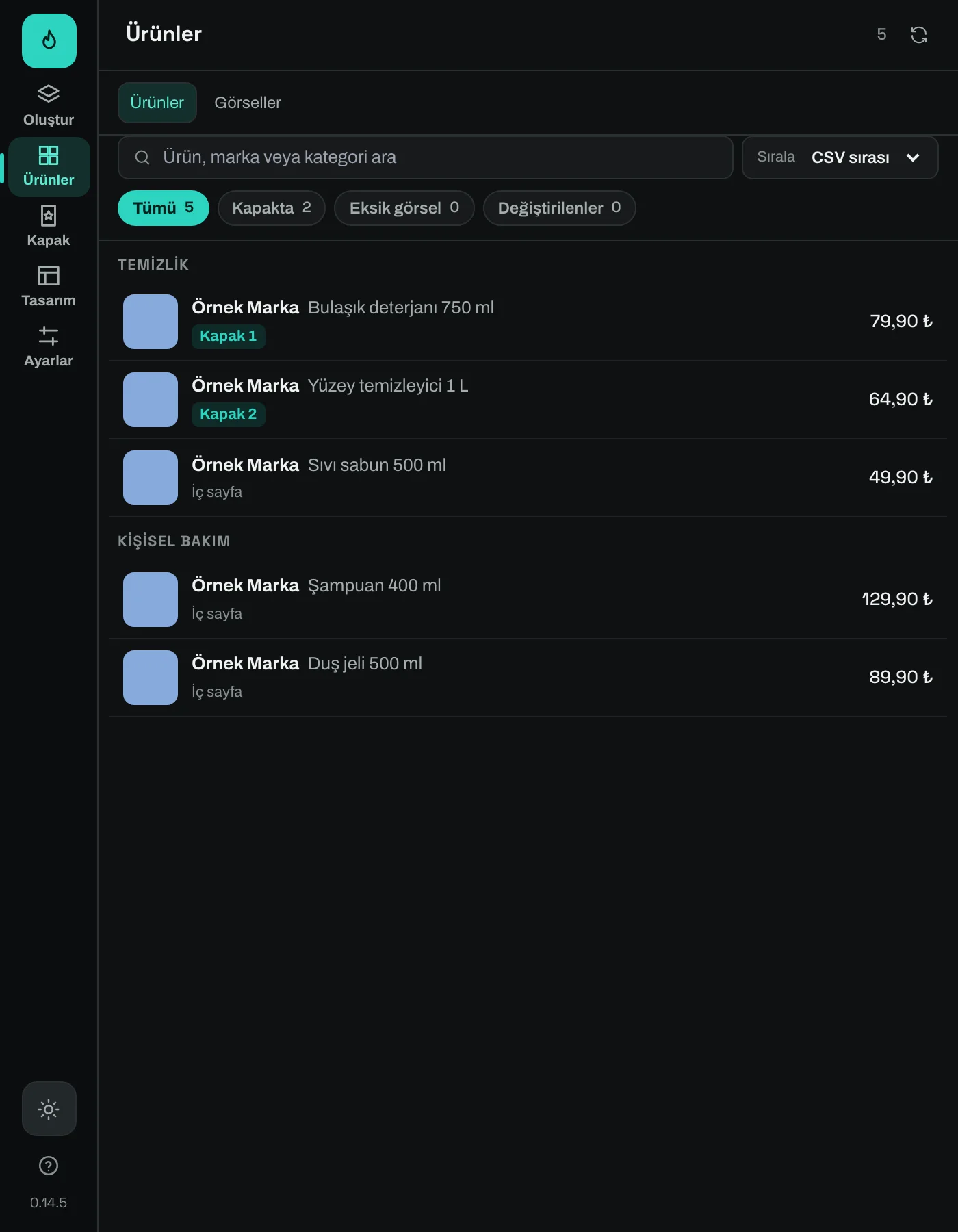
Product names, brands, prices and categories come from a CSV file. Product images are matched by their file codes, and the data is placed into the fields of InDesign templates. The whole run, from product list to cover and inside pages, is managed from a single panel.
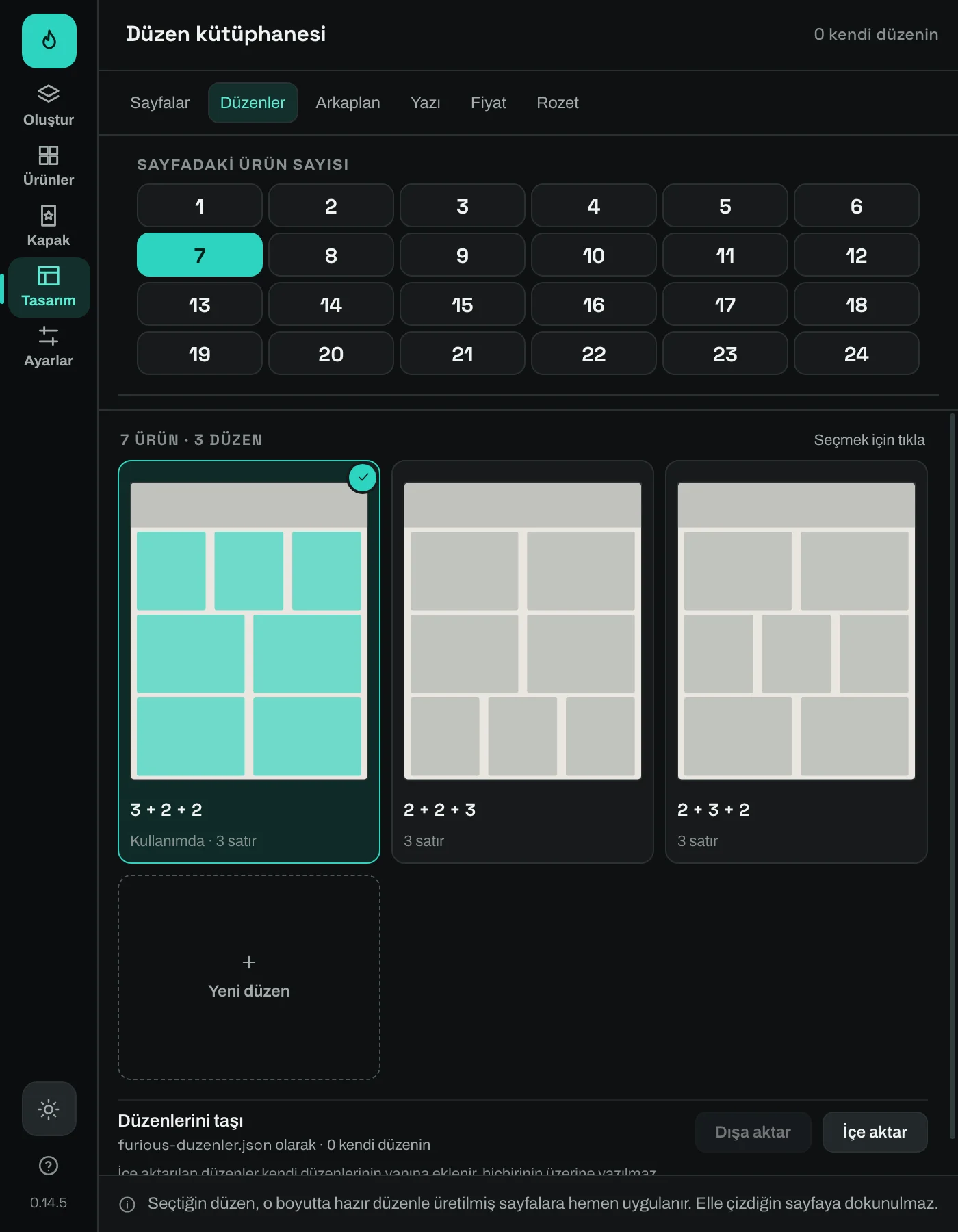
Layout library
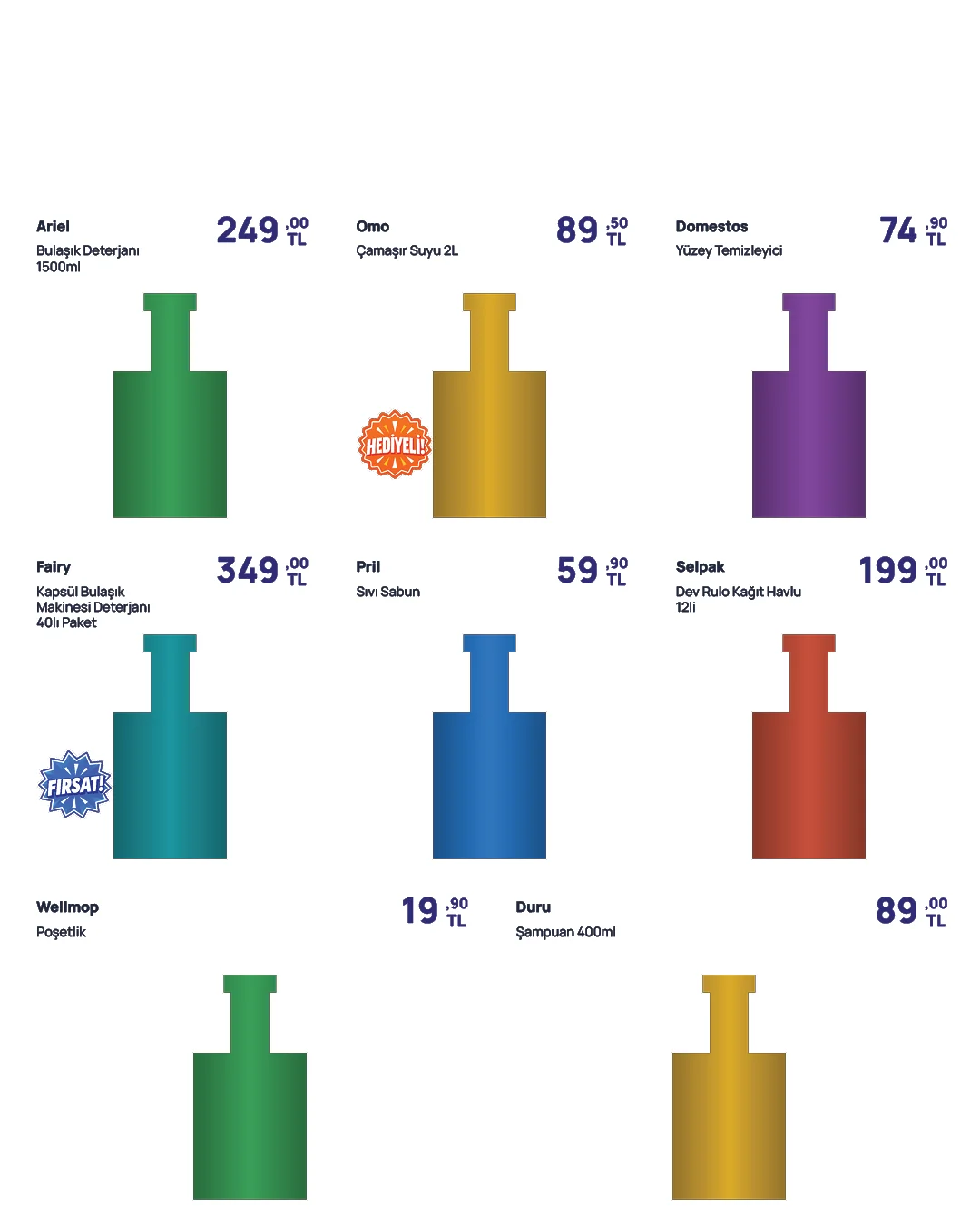
For category pages you choose how many products go on each page, and the plugin offers grid layouts that fit that number. The small copy below works like the choice in the plugin — pick a number and the page re-flows.
Products per page
7 products, 3 + 2 + 2, 3 rows
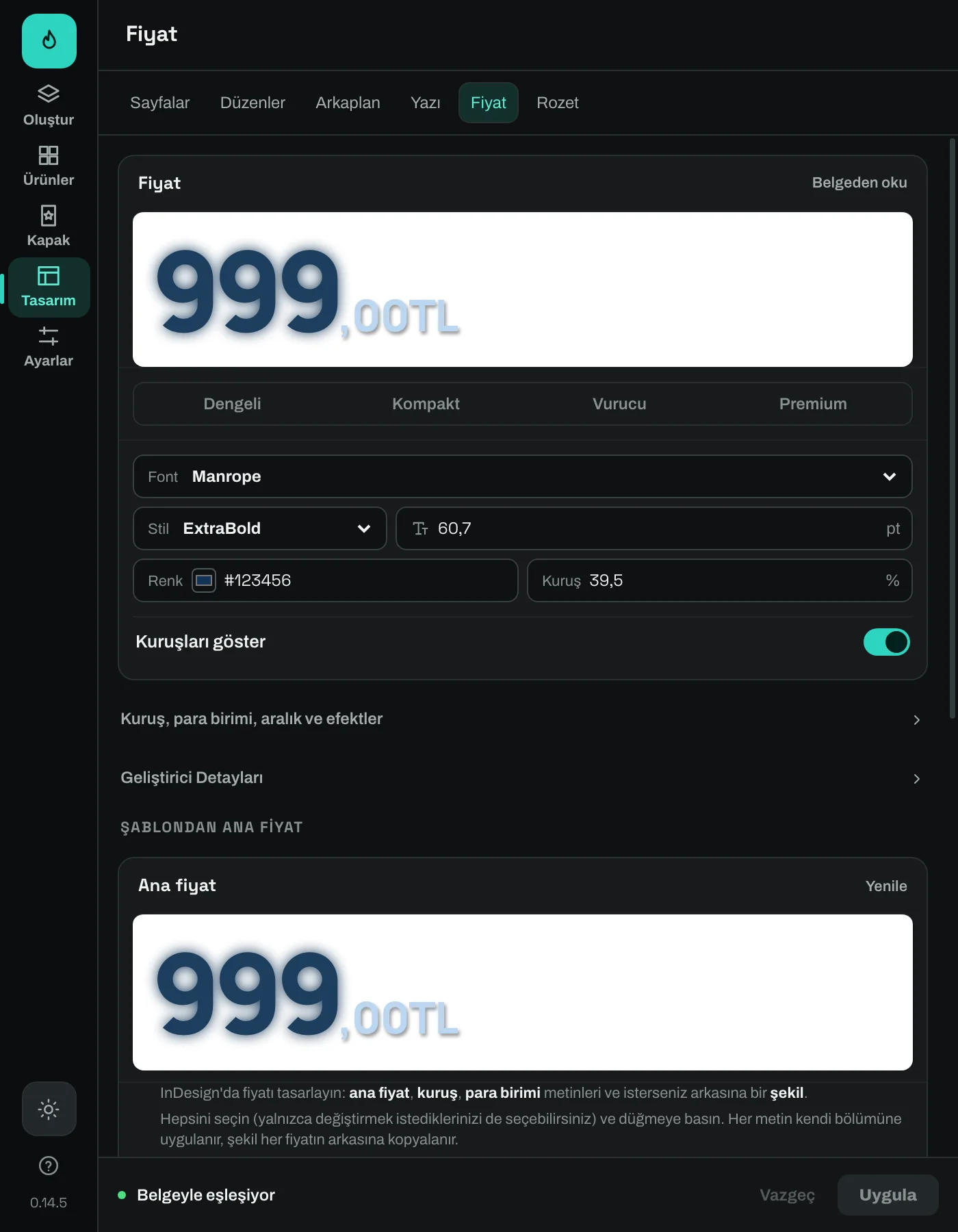
Type and price styling, campaign badges and backgrounds are managed from the same panel. Pre-production checks point out missing images and template problems. The finished pages stay editable in InDesign and export as PNG.
How it works
- Open your InDesign document; use the built-in starter design or a suitable template.
- Choose your CSV product list and the folder holding the product images.
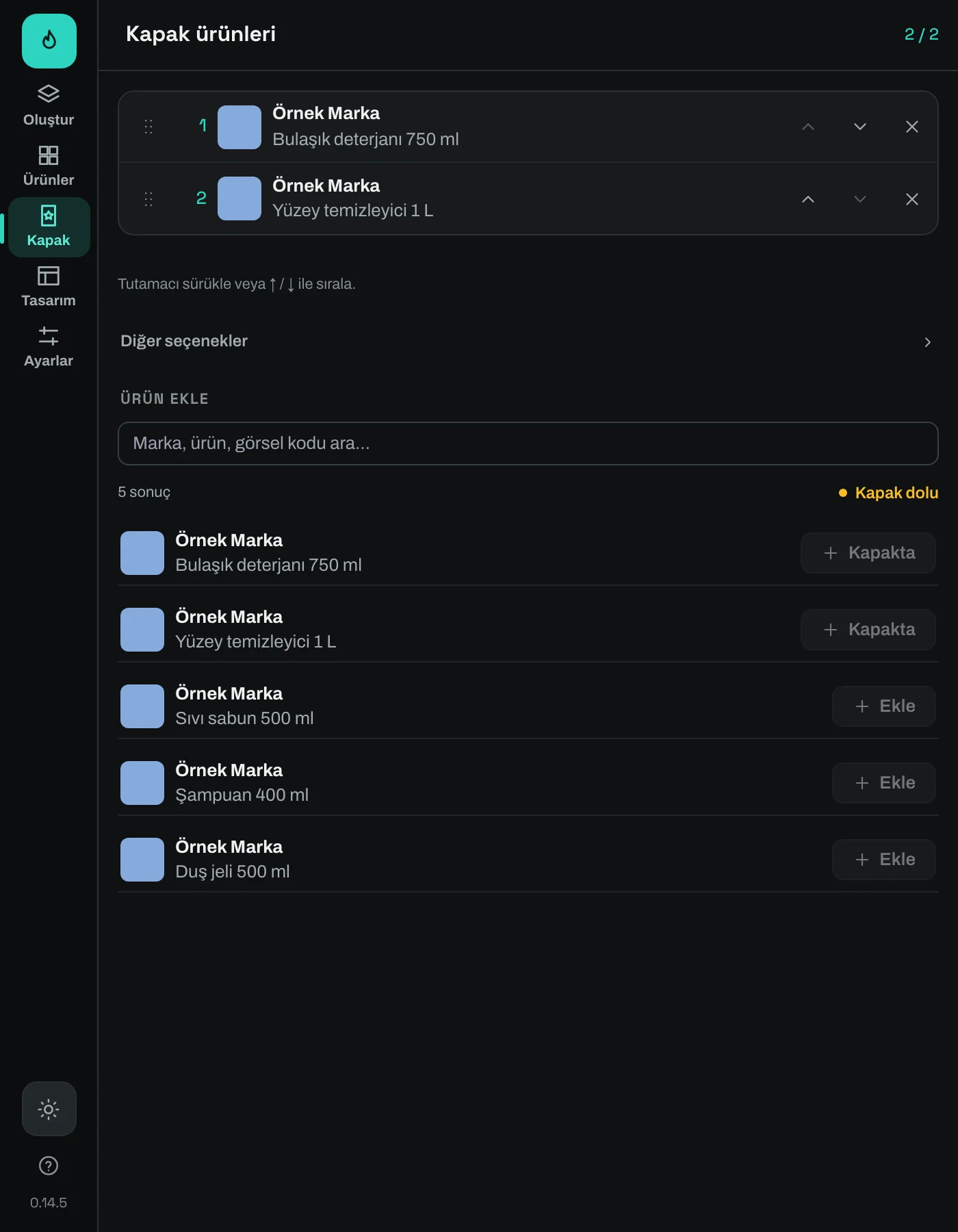
- Set the cover products, page layouts and design preferences.
- Check readiness, review a sample page and build the insert.
- Do the final design check in InDesign and export the PNGs.
Who it is for
Graphic designers who prepare supermarket and store campaigns, in-house design teams at retail brands, and agencies that produce product brochures on a regular schedule.
Scope
Production runs inside Adobe InDesign. The brand-specific design is made in InDesign; the plugin handles placing the product data and the production flow. When product data or the cover selection changes, the pages are rebuilt. The project file keeps the sources and choices; the InDesign document is saved separately.
The tool is in development; its interface and features may change, and there is no public release date yet. The screenshots are from version 0.14.5, with sample product data and representative images.
Interface
06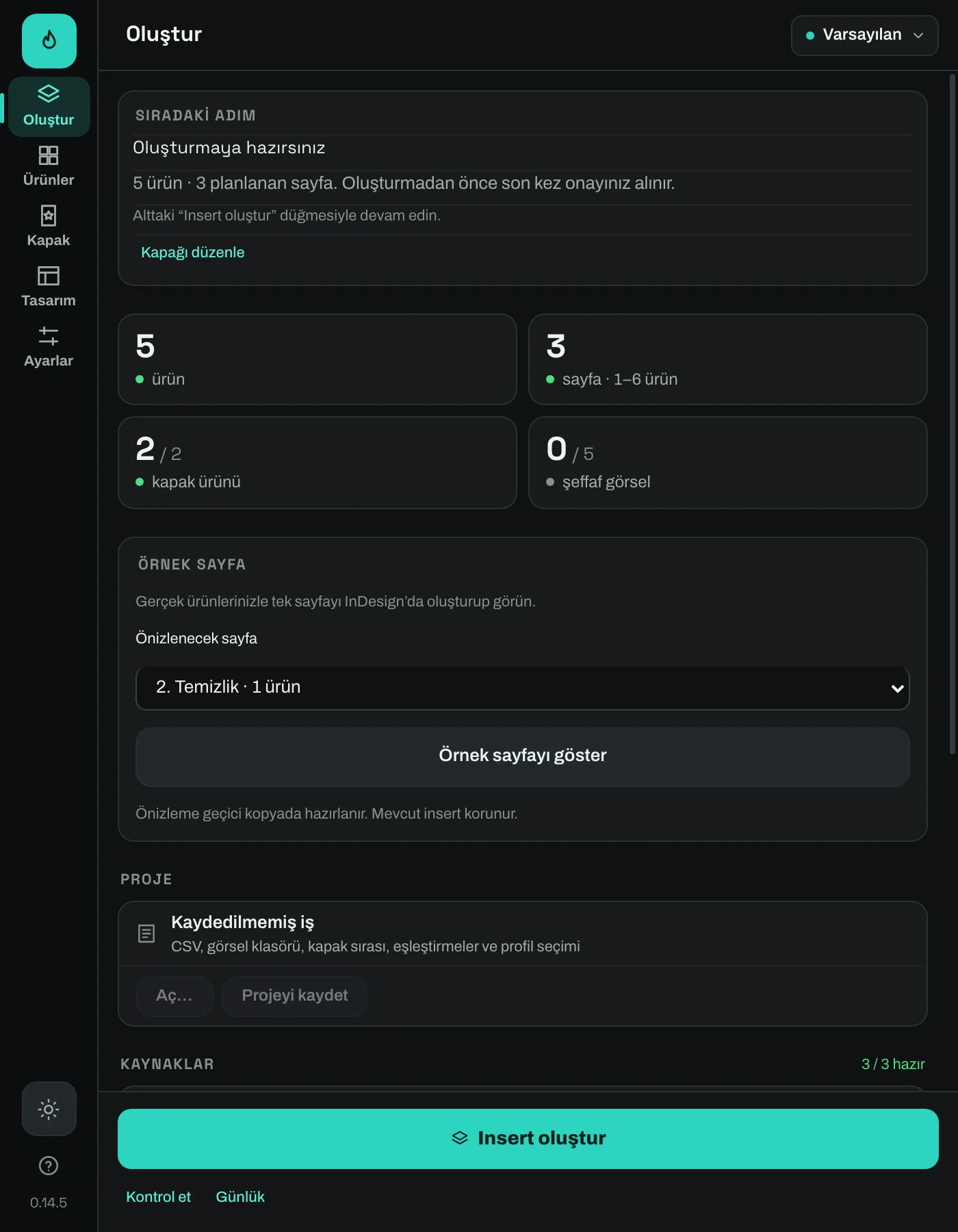
Features
08- CSV product importBring in product names, brands, prices and categories from a product list.
- Image matchingMatch local product images to product codes; check what is missing in the panel.
- Cover selectionChoose the products to feature on the cover and set their order.
- Category pages and layoutsPaginate products by category and use ready-made grid layouts.
- Design settingsManage brand and product-name typography, price styling, badges and backgrounds.
- Checks and previewCheck readiness before production and preview a sample page.
- PNG exportExport the generated pages at Web, High or Ultra quality.
- Project filesKeep source paths and job choices in an .icproj project file.